Edgewise
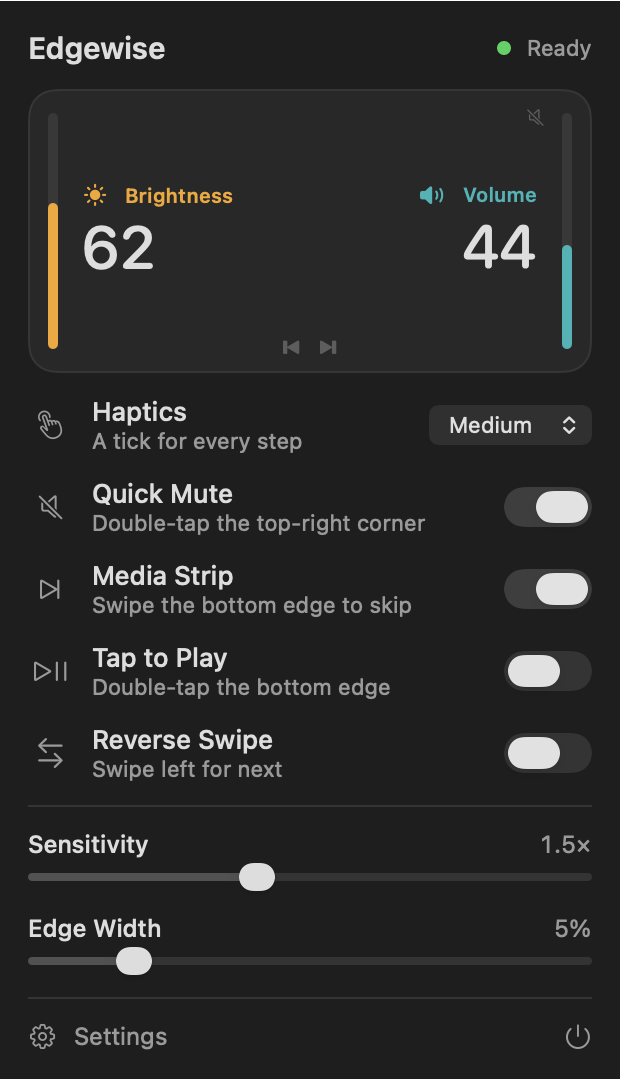
Slide along your MacBook trackpad’s edges. Right edge for volume, left edge for brightness.
Download for MacmacOS will say it can’t check the app for malware. Open System Settings › Privacy & Security and click Open Anyway, or skip that by installing from Terminal:
curl -fsSL https://edgewise.pages.dev/install | sh